Merging MS Excel Tables and Charts into ArcView - Brief Description
|
|
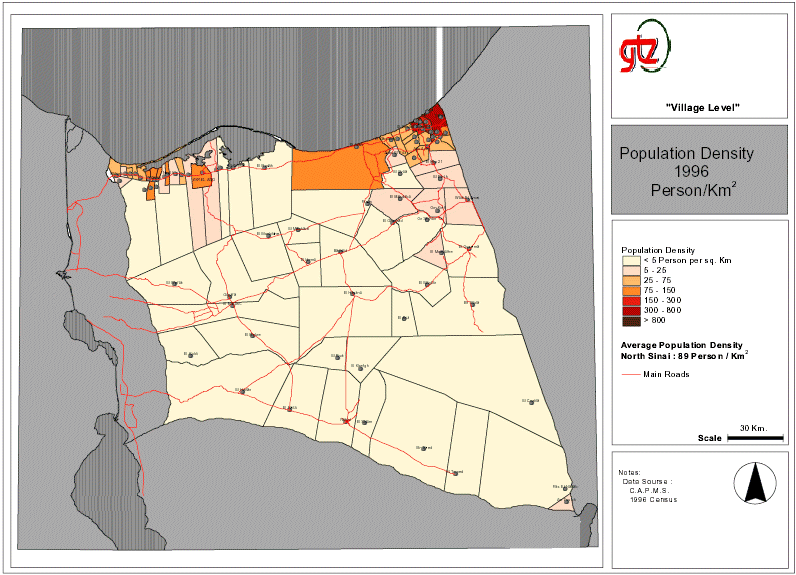
For planning purposes Geographical Information Systems (GIS) require simple approaches for handling non-spatial data (e.g. population data) that are then combined with spatial data (i.e. maps) to produce thematic maps (population distribution). GIS systems that handle small amounts of data (e.g. less than 50.000 data sets) and where quick results are a requirement the use of spreadsheet programmes (e.g. Excel) has proved a practical option to the use of relational data bases (e.g. dbase, access). Once the spreadsheet has been developed it can be imported or embedded (e.g. OLE or ODBC) into almost any GIS software package. The statistical data prepared using the spreadsheet programme can be linked to the spatial objects to create thematic maps.
|